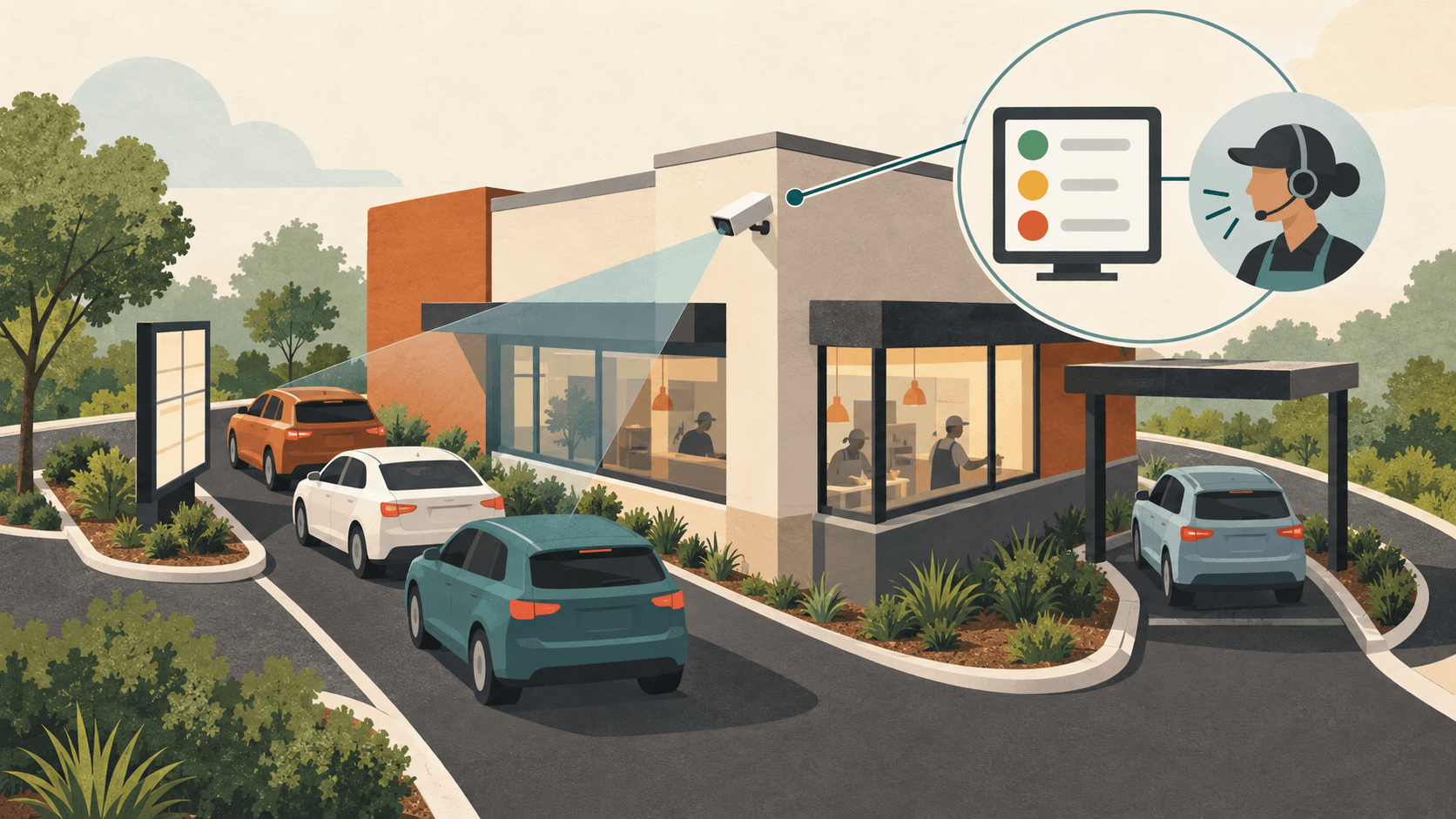
HME launched Nitro Vision AI on October 6, adding cameras to its ZOOM Nitro drive-thru timing system to follow vehicles from the queue before ordering through pickup. The communications and timing supplier says the new system combines what cameras see with timing information to help restaurant crews respond while customers are still in the lane.
HME says the cameras recognize vehicles by characteristics including type and color. The system weighs arrivals, queue depth and time spent in an area to identify the main constraint on speed of service. That is the company's stated approach to a drive-thru operation in which mobile ordering and multiple pickup paths can change where demand is building.
HME's current product page lists U.S.-only availability and a required ZOOM Nitro Timer subscription. It describes mobile, pickup and drive-thru activity in a combined view, centralized through HME Cloud.
Define the queue, then the clock#
Installation starts with a site survey and approval. HME's installation guide describes cameras, a video processing unit and a switch that supplies power over Ethernet, connected with ZOOM Nitro through the restaurant's network. The physical view has to support vehicle detection: large obstructions can hide cars. Installation closes with final testing alongside HME Support.
The installer draws detection zones onto a camera preview. The pre-menu zone covers the car waiting immediately before the order point; the pre-menu stack covers the queue behind it. The zones must meet without a gap and exclude unrelated parking or passing traffic. Cameras aimed at pickup spaces need a clear view too; HME favors looking toward the front or back because a neighboring tall vehicle can obstruct a side view.
Camera coverage and the timing boundary are separate settings. HME groups the pre-order zones as Menu Stack. Its example selects arrival at Menu Stack for the start and departure from the service window for the end, including the wait before ordering.
Set the conditions for an alert#
The version 8.0 user guide lists support for single and Y-shaped lanes, mobile spaces and pull-forward spaces, but not pull-forward windows. A drive-off means leaving before ordering. Operators can enable a dashboard counter for departures by half hour, hour, daypart or day and turn on real-time notifications. Green, yellow and red reflect the restaurant's chosen expectations.
At restaurants using HME's NEXEO | HDX headsets, audio alerts can tell crew members when a limit is reached. They must be enabled in both ZOOM Nitro and the NEXEO base station.
Pre-menu stack alerts can trigger at 1 to 10 vehicles, immediately or after a delay up to 2 minutes. Separate alerts can cover a vehicle leaving that queue or exceeding a lane-total goal.
The separate NEXEO guide lists integrated ZOOM Nitro alerts in the NEXEO tier and includes them in NEXEO Pro through its inherited features. They are absent from the Core tier's feature list.
Only installers and managers can edit the base station's Message Center. Configured Nitro alerts appear there under the Nitro Alert message type, with their enabled or disabled status and controls for changing it.
QSR Pro Staff
The QSR Pro editorial team covers the quick service restaurant industry with in-depth analysis, data-driven reporting, and operator-first perspective.
More from QSR