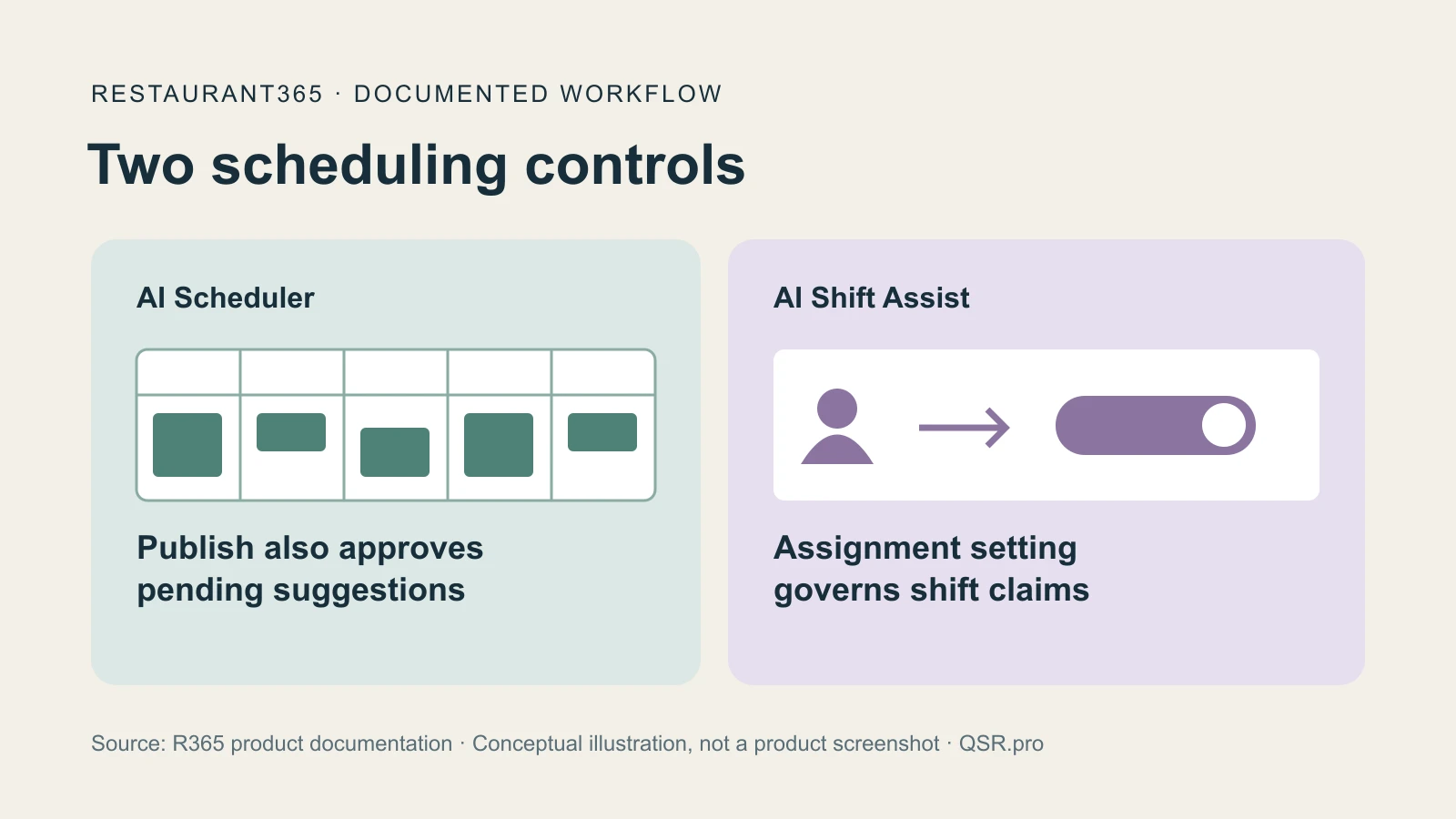
Publishing a Restaurant365 schedule can also approve AI suggestions a manager has left pending. The company's October 28 release notes describe that behavior alongside two scheduling tools: AI Scheduler, which builds a draft, and AI Shift Assist, which helps find employees for open shifts.
The AI Scheduler overview, updated October 28, says generating and reviewing suggestions requires permission to add, edit and delete shifts.
A draft built from the restaurant's history#
R365 says the scheduler first looks at four weeks of schedule history, using that source when at least seven days are available. That history includes draft shifts for days that were never published. Without enough schedule history, it turns to six weeks of punches, again requiring at least seven days. For locations with neither history, the documented fallback is a published labor forecast. The scheduler uses the first source with enough data. R365's overview explains the sequence.
Existing manual, copied and template shifts stay in place while the system suggests missing shifts. Employee matching considers eight weeks of published shifts, usual hours and jobs, availability, approved time off and labor rules. Managers can approve, edit or delete individual suggestions before publishing. AI Scheduler documentation.
Skipping a warning leaves a decision pending#
The build guide, updated October 28, says bulk review can approve everything, skip suggestions flagged for labor-rule violations or cancel. Skipped suggestions remain pending. Overtime warnings also show the added hours. To keep unwanted suggestions out of publication, managers must delete them: publishing approves suggestions still pending.
Approved suggestions remain unpublished until managers publish the schedule for employees to see. Approving unfilled suggestions creates unassigned shifts; the publish dialog lets managers include them or leave them unpublished. Regenerating removes pending suggestions, including when different days are chosen, but preserves approved shifts. Build and publish instructions.
Filling an open shift has its own approval setting#
AI Shift Assist handles a different part of the job. It activates when a manager creates an unassigned shift or an employee offers an assigned shift through the mobile app. It identifies candidates and sends offers. Its ranking considers how evenly shifts are distributed, follow-through on claimed shifts and job ratings, with pay rate breaking similar scores. R365 says those weights cannot be configured.
The location settings determine what happens after an employee claims a shift. With automatic assignment off, the claim goes to a manager for approval and assignment; the employee sees it as pending approval. With it on, qualifying claims can be assigned automatically, but claims requiring review still need a manager.
The settings page labels Shift Assist a beta. Configurations can cover selected locations, allowing the feature and assignment choice to be managed for those restaurants. Schedule Settings.
Managers retain another intervention: removing a candidate from a particular shift's match list and restoring that person if needed. R365 says the shift keeps no recipient-level notification log, so managers cannot see which offers were sent to which employees there. AI Shift Assist documentation.
QSR Pro Staff
The QSR Pro editorial team covers the quick service restaurant industry with in-depth analysis, data-driven reporting, and operator-first perspective.
More from QSR