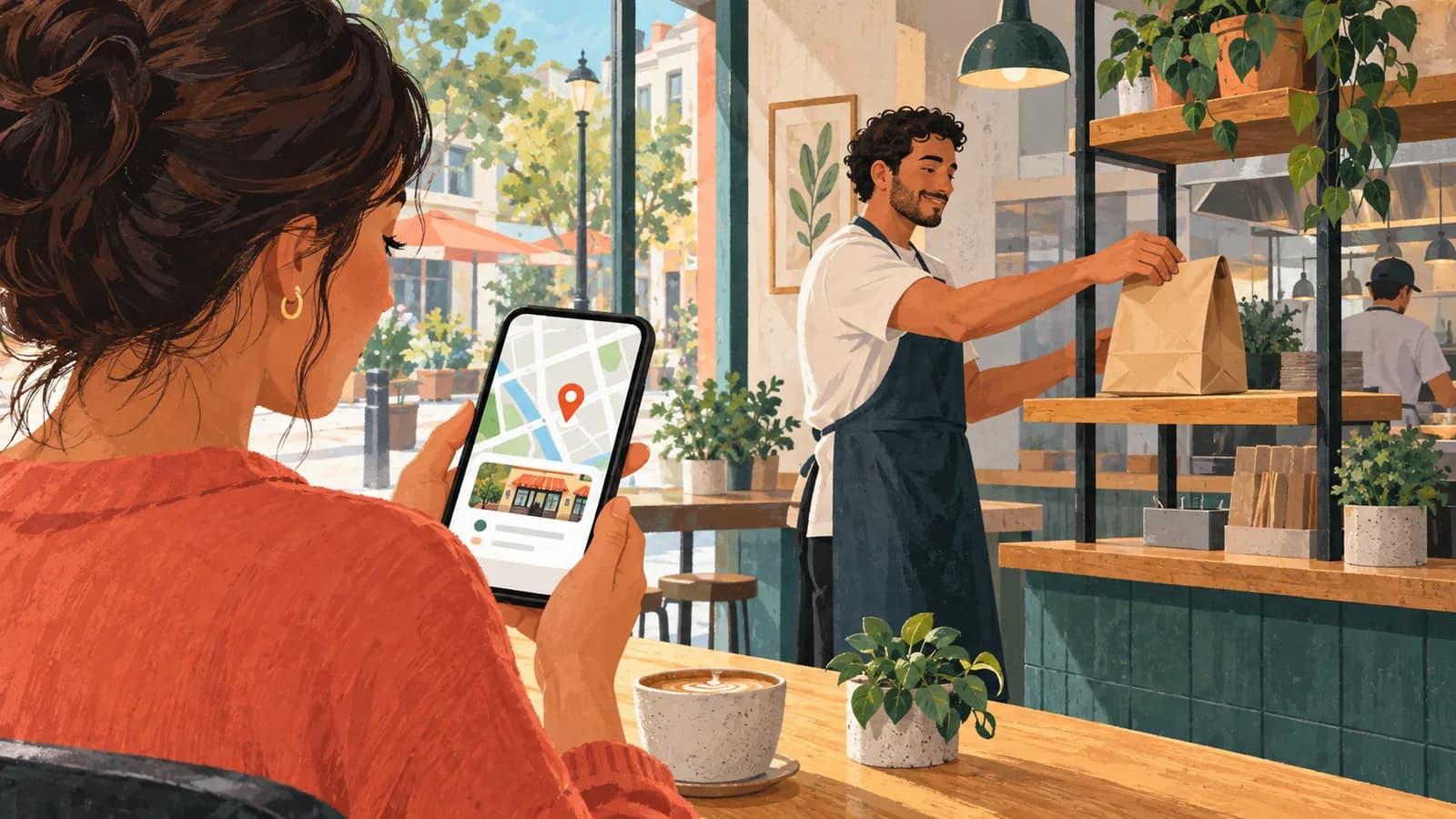
Square’s September 24 release adds a connection to Apple Business in Square Dashboard, letting eligible restaurants manage supported business information and add ordering links to their Apple Maps listings. Hours, contact details and logos can sync from Square across Apple services, while diners gain another route to the restaurant’s ordering experience.
The connection builds on Apple’s consolidation of its business tools. In its March 24 announcement, Apple scheduled Apple Business for April 14, bringing over brand-management tools from Apple Business Connect. It said existing claimed locations and place-card information would migrate at launch.
From the map to an order#
A place card is the business listing a customer opens in Apple Maps, with details such as its address, hours and photos. Apple’s partner guide describes a row starting with directions, calling and website buttons. A preferred additional action occupies the fourth position; further actions appear under More. These actions open an app or website supplied by the business or a partner. Multiple providers can offer the same action on a location’s card.
Square’s Order, Pickup, Delivery and Menu links require an activated online ordering profile and send diners there, according to its connection instructions. They appear alongside other Apple Maps partners.
Apple controls approval of actions before customers can see them. Its action guide also specifies iOS 17.4 or iPadOS 17.4 or later for customers accessing these buttons on an iPhone or iPad.
Which restaurants can connect#
Square lists the integration as available globally to sellers with activated payments and a fixed storefront. Setup varies by location, business type and account status. Its current instructions, reviewed September 28, require a verified physical location that welcomes customers. Square account owners and team members with full access can manage the connection.
Sellers verified by Square can connect an existing Apple Business organization or register a new one through Dashboard. Unverified sellers, sole proprietors and single-member LLCs must first establish their organization directly with Apple and complete its verification and brand approval. Connecting an existing organization requires its Apple administrator to sign in and authorize Square to manage the brand and locations.
Square Dashboard supports one brand, defined as a line of business within a country. That brand can have several storefronts. After brand approval, the restaurant selects individual physical locations to share with Apple; those locations also undergo Apple review.
The menu, kitchen and bill#
Square makes ordering profiles available to food-and-beverage sellers, with creation restricted to account owners. A menu must exist first, its items must be available for online ordering, and ordering must be enabled. Authorized team members can adjust settings afterward, including pickup, delivery and checkout options. The profile also supports menu hours, so breakfast and dinner menus can have different availability. Items inherit the location’s fulfillment methods by default, with an override for individual items.
Square says profile orders appear in its point-of-sale system and on a kitchen printer or Square KDS, its kitchen display system. Square processes the sale. It lists no added monthly or startup charge for the profile and no extra marketplace commission on those orders; online payment-processing fees still apply per transaction.
Delivery has a separate cost. For on-demand delivery, Square’s delivery partners supply the courier. The delivery service provider charges a fee that varies by provider and can be assigned to the restaurant or customer through the restaurant’s delivery-fee settings. That charge sits alongside Square’s online processing fee.
QSR Pro Staff
The QSR Pro editorial team covers the quick service restaurant industry with in-depth analysis, data-driven reporting, and operator-first perspective.
More from QSR